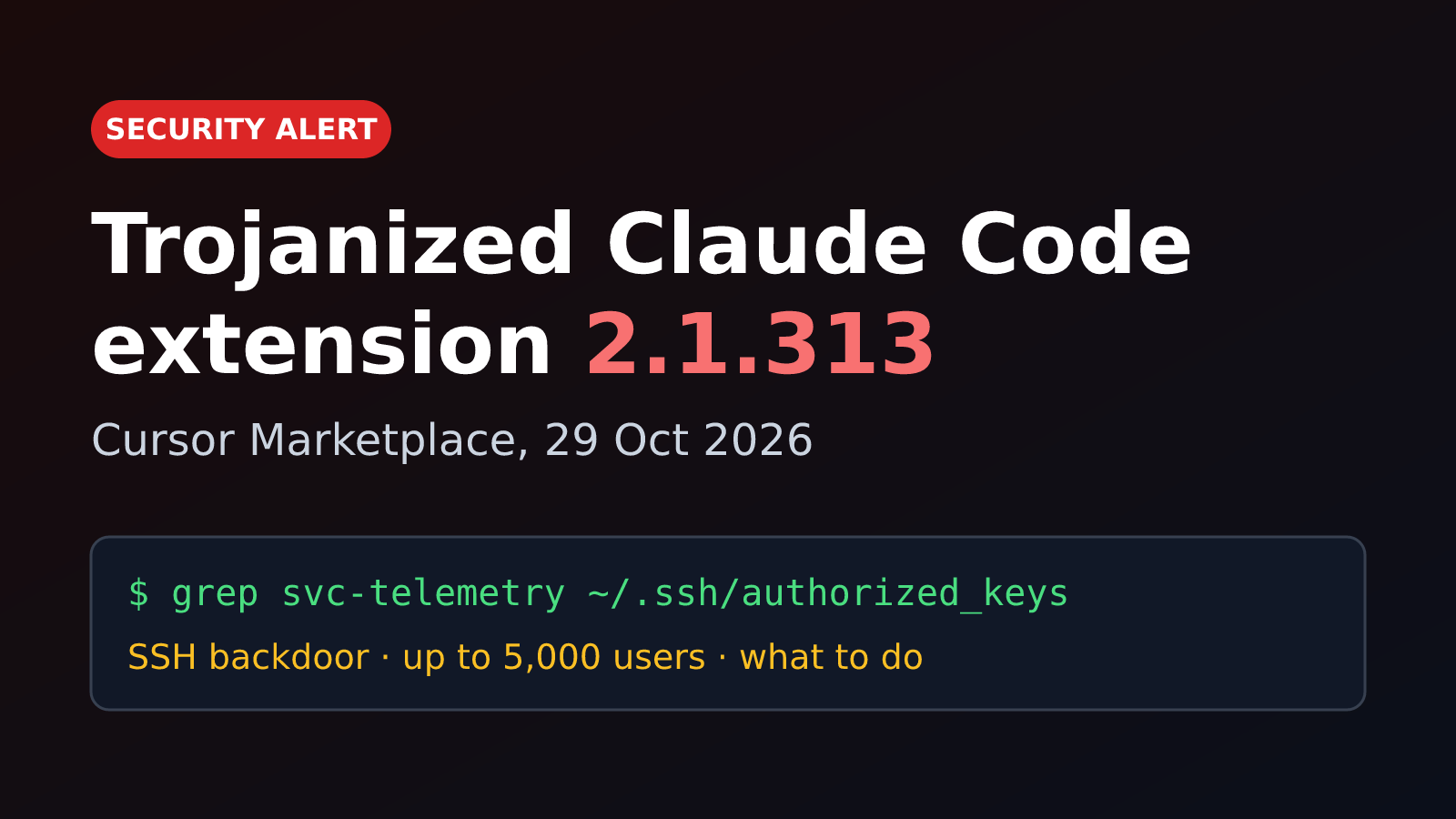
I use Claude Code every day, so when Cursor posted a security notice about a malicious Claude Code extension in its marketplace, I dropped everything and read it twice. If you use Cursor (or anything that pulls extensions from Open VSX), take five minutes and check your machine. It’s one command.
If you installed or auto-updated to Anthropic.claude-code 2.1.313 in Cursor on 29 October 2026 (between about 2:27am and 1:35pm PT), treat that machine as compromised until you’ve checked it. Uninstalling the extension is not enough.
Quick answer: what happened?#
On 29 October 2026, a trojanized build of Anthropic’s Claude Code VS Code extension, version 2.1.313, was served by the Cursor extension marketplace for roughly 11 hours. On load, it planted an attacker SSH key, installed persistence, tried to open a reverse SSH tunnel and beaconed host details to 134.209.82.225. Cursor says at most 5,000 users were affected. Anthropic did not build that version.1
| Detail | Value |
|---|---|
| Package | anthropic.claude-code 2.1.313 (darwin-arm64 and win32-x64 builds) |
| Exposure window | 29 Oct 2026, ~2:27am to 1:35pm PT (09:27 to 20:35 UTC) |
| Affected users | At most 5,000, per Cursor |
| Payload | SSH key implant, persistence, reverse SSH tunnel, HTTP recon beacon |
| Attacker server | 134.209.82.225 (now offline) |
| Clean versions | 2.1.312 and 2.1.314 |
| Tell-tale sign | SSH key with the comment svc-telemetry in authorized_keys |
How the attack worked#
The scary part is how ordinary it looked. The package carried the real Anthropic publisher identity, not a typosquat. StepSecurity found the malicious build was the official extension in every way except extension.js, which had a small loader (about 7 KB) inserted in front of the legitimate code.2 OpenSourceMalware described it as a 66-line loader.3
No prompt, no click, no install script. Just loading the extension was enough to run the payload, and anyone with auto-update on could have pulled it silently.3
flowchart TD
  A[Cursor auto-updates Claude Code to 2.1.313] --> B[extension.js loader runs]
  B --> C[Collect host info]
  B --> D[Add svc-telemetry key to authorized_keys]
  B --> E[Install persistence]
  B --> F[Reverse SSH tunnel to 134.209.82.225]
  C --> G[POST to :8099/beacon]
  E --> F
Step by step, according to Cursor’s notice:1
- Recon. It collected hostname, username, OS, architecture, home directory, working directories, your global Git email, public IP, and the names of environment variables. Researchers say it grabbed up to 40 names containing words like KEY, TOKEN, SECRET, PASS, AWS or GCP. The values were not in the beacon, but the names alone tell an attacker which clouds and CI systems you use.3
- SSH key implant. It appended an attacker-controlled
ssh-ed25519key labeledsvc-telemetry(a name picked to look boring) to your~/.ssh/authorized_keys. - Enable SSH and tunnel out. It tried to turn on the local SSH server and open a reverse tunnel (
ssh -N -R '*:0:localhost:22') so the attacker could reach your machine from outside, past your NAT and firewall. - Persistence. A LaunchAgent called
com.apple.sysmondon macOS; on Windows a scheduled task calledSysMonthat tries to run as SYSTEM, with a Startup-folder fallback. Background scripts retry the tunnel about every 60 seconds. StepSecurity also saw a cron@rebootentry in its analysis.2 - Beacon. It POSTed host details and backdoor status over plain HTTP to port 8099.
The (small) good news#
Turning on the SSH server needs admin rights. On most macOS and Windows machines Cursor doesn’t run as admin, so that step failed and, per Cursor, the attacker could not have logged in through the tunnel. Bugs in the malicious code made it fail too. But the key was still added, the persistence was still installed and your host details were still sent. And the attacker server has since been taken offline with help from the hosting provider.1
Who got affected?#
- Cursor users who installed or updated to 2.1.313 from the Cursor marketplace during the window. Cursor says that’s at most 5,000 people and it will contact them directly.1
- The known malicious builds were macOS on Apple silicon (darwin-arm64) and Windows x64.
- Cursor says it has no evidence other versions, other extensions or the official distribution were affected, and its audit found no other tampered extensions.1
Reports differ on where the bad build first came from. StepSecurity’s early write-up said it was published to Open VSX and mirrored into Cursor.2 The Hacker News later corrected its story to say the incident was traced to a compromise of the Cursor marketplace.3 Either way, both registries now serve 2.1.312 and 2.1.314 and no longer serve 2.1.313. If you use VSCodium, Windsurf or another Open VSX client, run the check anyway. It costs nothing.
What to do next#
1. Check if you’re impacted#
On macOS (or Linux):
grep -qs svc-telemetry ~/.ssh/authorized_keys && echo "svc-telemetry key found" || echo "No key found; machine not impacted"On Windows (PowerShell):
$files = "$HOME\.ssh\authorized_keys", "C:\ProgramData\ssh\administrators_authorized_keys" | Where-Object { Test-Path $_ }
if ($files -and (Select-String svc-telemetry $files)) { "svc-telemetry key found" } else { "No key found; machine not impacted" }
These are Cursor’s official checks.1 Also check which Claude Code version you have in the Extensions panel, and update to 2.1.314 or later.
2. If the key is there#
Follow Cursor’s steps, in order:1
- Isolate the machine from the network.
- Run Cursor’s remediation script. On macOS, download remediate-macos.sh and run
bash remediate-macos.shas your normal user, not root. On Windows, download remediate-windows.ps1 and run it from an Administrator PowerShell withpowershell -ExecutionPolicy Bypass -File .\remediate-windows.ps1. The scripts remove the extension, the persistence, the tunnel processes and the key, and exit non-zero if anything is left. - Consider rebuilding the machine. A backdoor that might have been reachable is a good reason for a clean install.
- Rotate credentials and sessions reachable from that machine (cloud keys, Git tokens, API keys, SSH keys), and do it from a different, trusted machine.
- If you run a team, search your endpoint and network telemetry for the indicators below.
3. Lessons I’m taking from this#
- Auto-update is a supply chain. A trusted name on a package is not a guarantee. For critical tooling, consider pinning extension versions or delaying updates by a day or two.
- Watch your
authorized_keys. It’s one small file and almost nobody looks at it. A simple file-integrity alert would have caught this. - Keep secrets out of plain environment variables where you can. Even the names leaked here.
- Don’t run your editor as admin. That alone is what broke the tunnel for most people.
Indicators of compromise#
Network, SSH and package hashes
- Attacker IP:
134.209.82.225(reverse SSH astunnel@on TCP 22; beaconhttp://134.209.82.225:8099/beacon) - Local beacon attempt:
127.0.0.1:8099/beacon - Implanted key fingerprint:
SHA256:0Z6R+DF64Do2nwQic8a7kkfDLNNk4IiK+2U2Rci4htk, commentsvc-telemetry - Tunnel key fingerprint:
SHA256:KOAU57+ZG6u3MG4WwzPzPX2O5YEe9qdOC1Bl+6MVyDQ - VSIX SHA-256 (darwin-arm64):
432ccdee3801f99e52b8fe31f69ea9870118e96ea7ef9ecabed1479621b5ab62 - VSIX SHA-256 (win32-x64):
3de1722901165769893bef57c72594e9a54459faa23f3091b136b79966edd081 extension.jscontains both134.209.82.225andsvc-telemetry- Lookups to
ifconfig.meorapi.ipify.orgalone are not indicators; they’re legitimate services.
Files, persistence and processes
- macOS:
~/.config/.smt,~/.config/.smtk,$TMPDIR/.stk_<10 hex>,~/Library/LaunchAgents/com.apple.sysmond.plist - Windows:
%USERPROFILE%\.config\smt.cmd,%USERPROFILE%\.config\smtk,%TEMP%\.stk_<10 hex>, scheduled taskSysMon,Startup\sysmon.cmd - Commands:
ssh -N -R '*:0:localhost:22',autossh -M 0,schtasks /create /tn SysMon,systemsetup -setremotelogin on,Add-WindowsCapability -Online -Name OpenSSH.Server~~~~0.0.1.0
Full list is in Cursor’s notice and StepSecurity’s analysis.12
What Cursor did#
Cursor pulled the version as soon as it was detected, then shut the whole marketplace down as a precaution. It audited access, rotated its keys, rebuilt the marketplace and brought it back online, and worked with the hosting provider to take the attacker’s server down.1 Questions go to security@cursor.com.
FAQ#
Is the official Claude Code extension safe now? Version 2.1.313 has been removed, and Anthropic published 2.1.314 to Open VSX and the Microsoft marketplace.3 Update and run the check above.
I uninstalled the extension. Am I fine? Not necessarily. The payload drops standalone scripts that keep running after the extension is gone. Run the check and the remediation script.1
Were my secrets stolen? The beacon sent environment variable names, not values.3 But if the tunnel worked on your machine (for example, Cursor running as admin), assume anything on it was reachable and rotate.
Does this affect the Claude Code CLI? The reports are about the VS Code extension package anthropic.claude-code 2.1.313 only.
Stay safe, and go grep your authorized_keys.
Cursor, “Security notice: malicious version of Anthropic.claude-code (2.1.313) identified in the Cursor Extension Marketplace”, 29 October 2026. ↩︎ ↩︎ ↩︎ ↩︎ ↩︎ ↩︎ ↩︎ ↩︎ ↩︎ ↩︎
StepSecurity, “Trojanized Claude Code Extension Delivered Persistent SSH Backdoor to Developer Machines”, October 2026. ↩︎ ↩︎ ↩︎ ↩︎
Ravie Lakshmanan, The Hacker News, “Official Claude Code Extension on Cursor Marketplace Trojanized with Persistent SSH Backdoor”, 30 October 2026. ↩︎ ↩︎ ↩︎ ↩︎ ↩︎ ↩︎